📝 Text & Fonts
14 standard fonts + TrueType/OpenType embedding with subsetting. Unicode, CJK, Arabic, Cyrillic, emoji support.
View example →Stop spending tens of thousands a year on PDF libraries. ObviousPDF enables .NET developers to produce standards-compliant, more accessible PDF documents — free for small teams, $100/yr for everyone else.
A zero-dependency .NET 8 library built directly from the ISO 32000 specification. Built-in PDF/UA accessibility, a fluent API, and 25+ features — all in a single assembly.
Add a reference to ObviousPDF and start generating PDFs immediately. No configuration needed.
using ObviousPDF;

// Create a new PDF document
var doc = new PdfDocument();

// Add a US Letter page (612×792 points)
var page = doc.AddPage();

// Add text at 1 inch from left, 10 inches from bottom
page.AddText("Hello, World!", 72, 720);

// Save to disk
doc.Save("hello.pdf");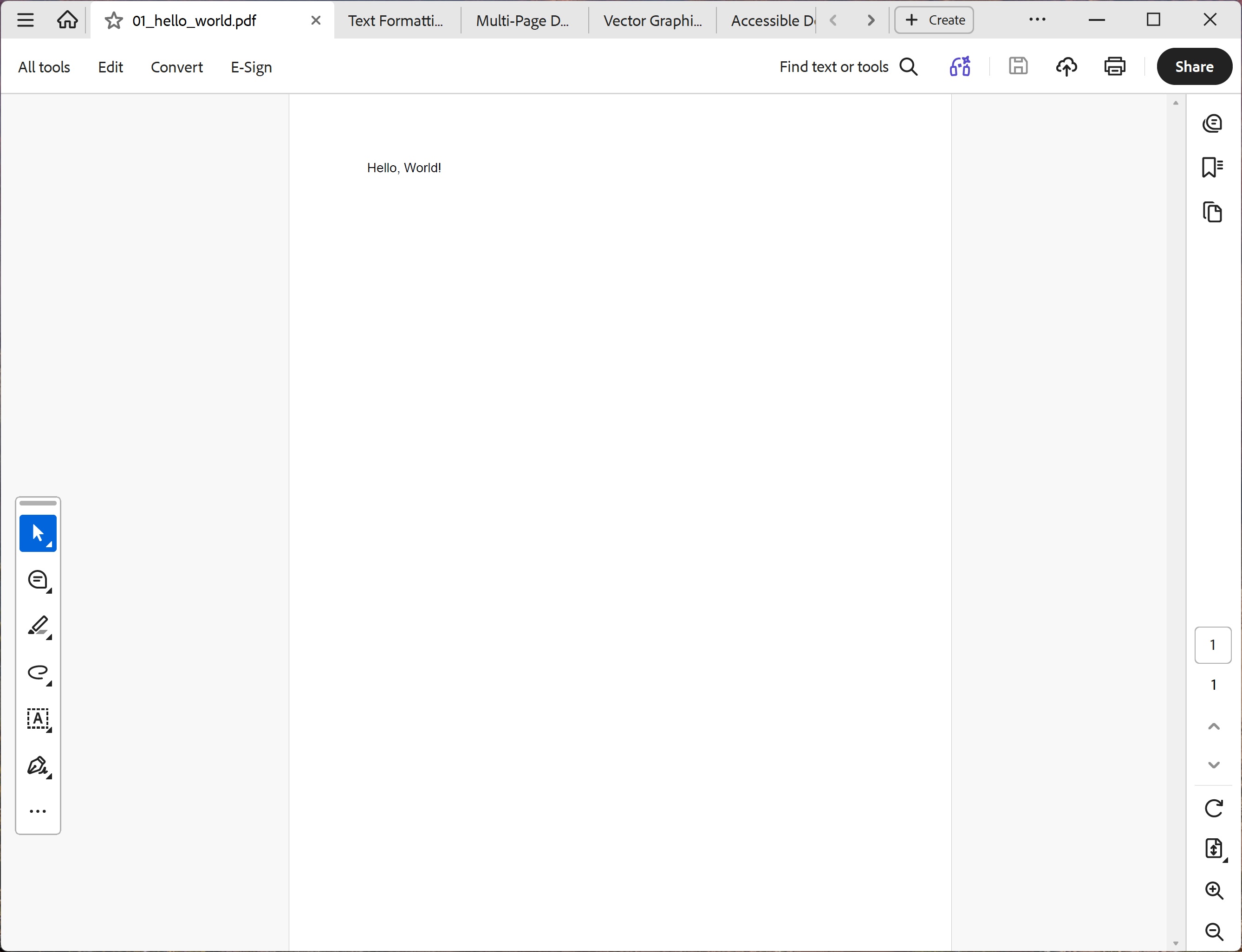
One method call makes your entire document PDF/UA compliant. EnableAccessibility() auto-tags all text, images, and form fields — no structure tree required.
using ObviousPDF;
using ObviousPDF.Fonts;

var doc = new PdfDocument();

// One call — sets language, title, PDF/UA-1, auto-tagging
doc.EnableAccessibility("en-US", "Accessible Document");

var page = doc.AddPage();

// Decorative header — automatically treated as artifact
page.FillRectangle(0, 760, 612, 32,
    new PdfDrawOptions { FillColor = PdfColor.FromRgb(0.15, 0.3, 0.6) });

// All AddText / AddTextBlock / AddImage calls are auto-tagged
page.AddText("Welcome to ObviousPDF", 72, 720,
    new PdfTextOptions { EmbeddedFont = BundledFonts.SansBold, FontSize = 22 });
page.AddText("This document is fully accessible.", 72, 690,
    new PdfTextOptions { FontSize = 14 });
page.AddText("•  Tagged PDF for screen readers", 82, 660,
    new PdfTextOptions { FontSize = 12 });

// Page number — automatically treated as artifact
page.AddText("Page 1", 285, 30,
    new PdfTextOptions { FontSize = 10 });

doc.Save("accessible.pdf");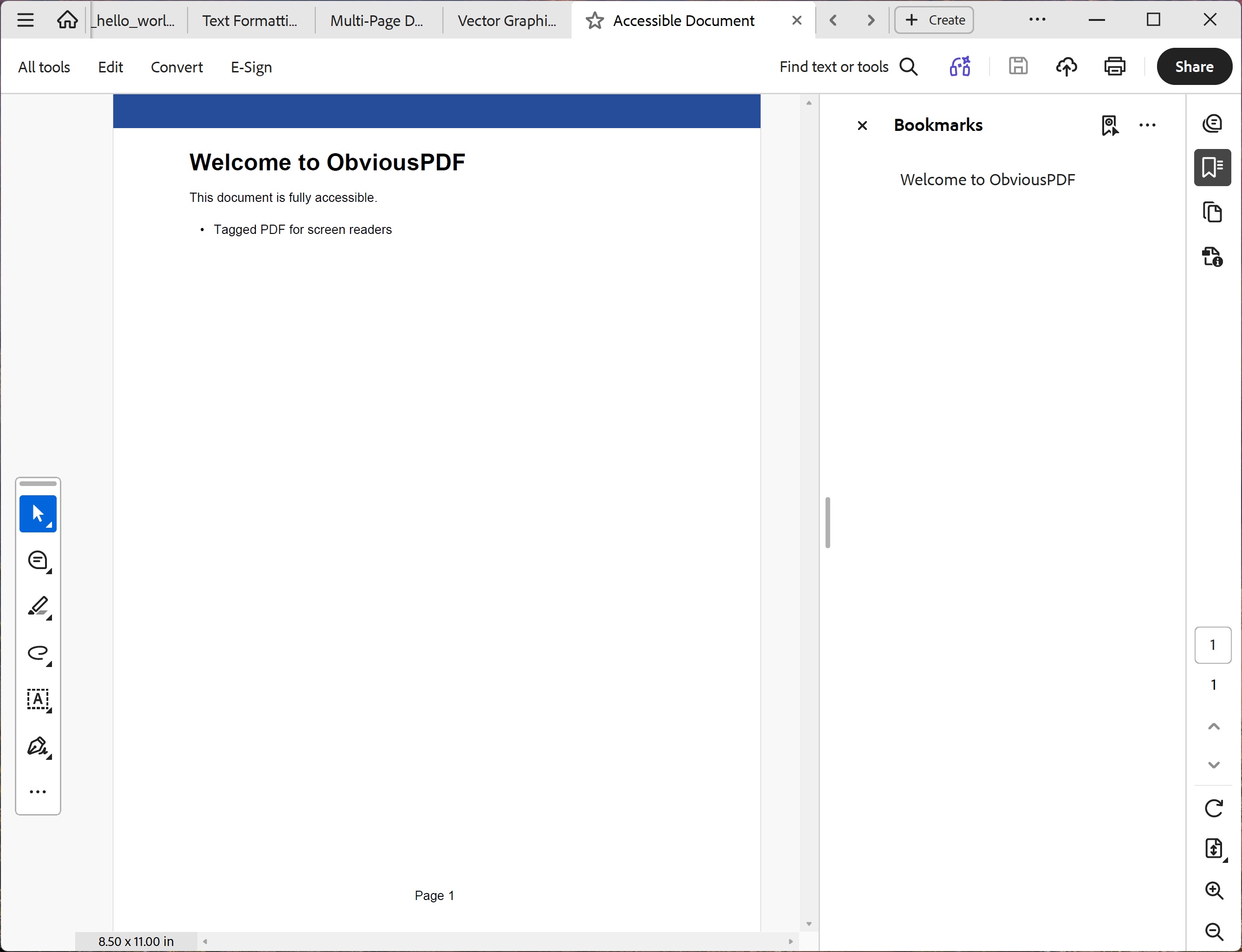
Everything you need to generate professional PDFs — built directly from the ISO 32000 spec.
14 standard fonts + TrueType/OpenType embedding with subsetting. Unicode, CJK, Arabic, Cyrillic, emoji support.
View example →Lines, rectangles, circles, ellipses, polygons, Bézier paths. Dashes, fills, strokes, transparency.
View example →JPEG passthrough and PNG deconstruction with row filters, alpha channels, and aspect-preserving scaling.
View example →Tagged PDF, structure trees, alt text, reading order, table headers, artifacts. 43+ automated checks.
View example →Full table structure: THead/TBody/TFoot, header scope, ID/Headers associations, caption elements.
View example →Text fields, checkboxes, dropdowns, list boxes, radio buttons, push buttons, signature fields.
View example →URI hyperlinks, tagged accessible links, document outlines for sidebar navigation.
View example →AES-128 and AES-256 encryption with granular permissions — printing, copying, modifying, annotating.
View example →PKCS#7/CMS digital signatures with X.509 certificates. Reason, location, signer metadata.
View example →PDF/A-1b, PDF/A-2b, PDF/A-3b with OutputIntent, ICC colour profiles, and XMP metadata.
View example →Axial and radial gradients, tiling patterns for backgrounds, borders, and decorative fills.
View example →Show/hide content groups for blueprints, maps, annotations. Toggle layers in any PDF viewer.
View example →Tables with proper header scope, ID associations, and caption elements.
// Build accessible table structure
var table = root.AddChild(StructureType.Table);
var caption = table.AddCaption();

// Header row with column scope
var thead = table.AddTableHead();
var hrow = thead.AddTableRow();
var thName = hrow.AddHeaderCell(
    PdfTableScope.Column, id: "name");
var thAge = hrow.AddHeaderCell(
    PdfTableScope.Column, id: "age");

// Data rows reference header IDs
var tbody = table.AddTableBody();
var row = tbody.AddTableRow();
var tdName = row.AddDataCell("name");
var tdAge = row.AddDataCell("age");

// Render tagged content
page.AddTaggedText(thName, "Name", 72, 700);
page.AddTaggedText(thAge, "Age", 200, 700);
page.AddTaggedText(tdName, "Alice", 72, 680);
page.AddTaggedText(tdAge, "30", 200, 680);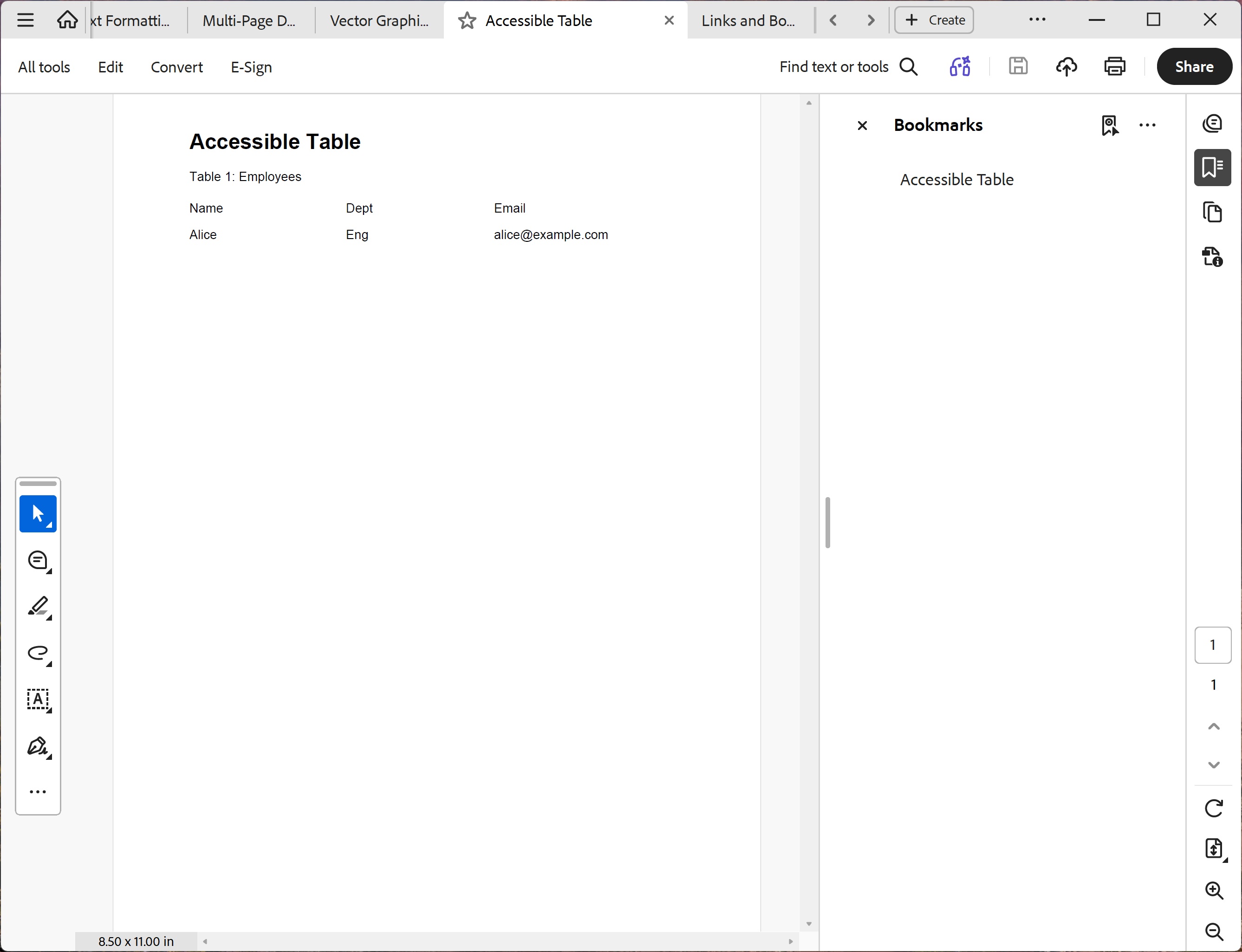
Full vector graphics API with fills, strokes, Bézier curves, and alpha blending.
var page = doc.AddPage();

// Filled rectangle with styled border
page.DrawAndFillRectangle(100, 600, 200, 100,
    new PdfDrawOptions {
        FillColor = new PdfColor(0.9, 0.9, 1),
        StrokeColor = new PdfColor(0, 0, 0.5),
        LineWidth = 1.5
    });

// Bézier curve path
page.BeginPath(new PdfDrawOptions {
        FillColor = new PdfColor(0.3, 0.3, 0.8)
    })
    .MoveTo(300, 440)
    .CurveTo(350, 520, 440, 480, 420, 440)
    .ClosePath()
    .FillAndStroke();

// Transparent overlapping circles
page.SaveGraphicsState();
page.SetAlpha(fillAlpha: 0.5);
page.FillCircle(140, 350, 40,
    new PdfDrawOptions {
        FillColor = new PdfColor(1, 0, 0) });
page.FillCircle(170, 350, 40,
    new PdfDrawOptions {
        FillColor = new PdfColor(0, 0, 1) });
page.RestoreGraphicsState();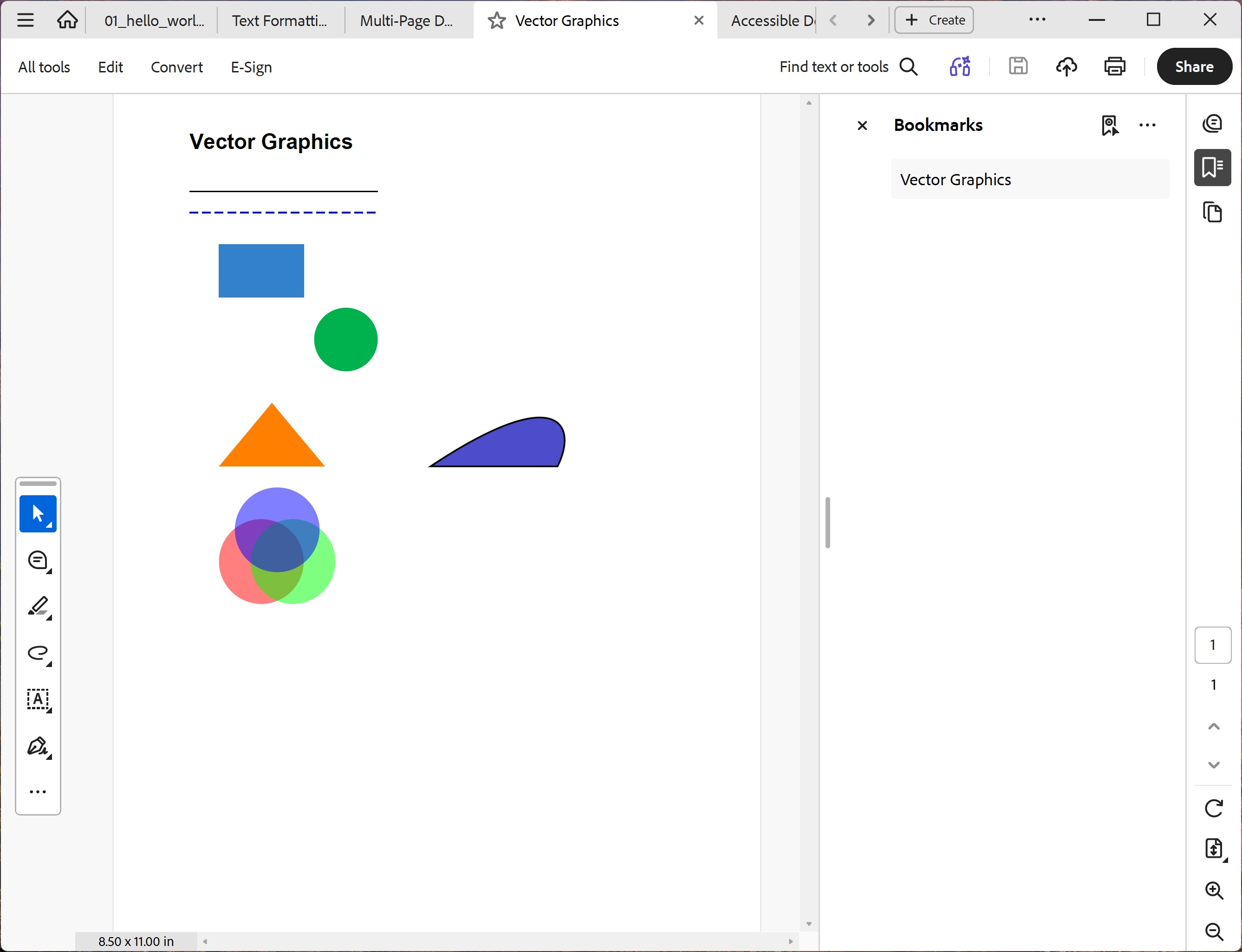
ObviousPDF includes 43+ automated accessibility checks and makes it easy to create PDF/UA compliant documents that work with screen readers, magnifiers, and assistive technology.
Full ISO 32000 §14.7 structure tree with 40+ structure types — Document, Sect, P, H1–H6, Table, Figure, List, and more.
Built-in PdfAccessibilityChecker validates PDF/UA-1, PDF/UA-2, WCAG 2.2, and ISO 32000 requirements automatically.
Language tagging, pronunciation hints (/Phoneme), Ruby annotations for CJK, abbreviation expansion (/E).
Header scope (Row/Column/Both), ID/Headers associations, THead/TBody/TFoot, caption elements.
Define your document in JSON, XML, or CSV — ObviousPDF renders all three
to the same tagged, accessible PDF. Set accessible = true and every element is automatically
tagged for screen readers, with zero manual structure tree management.
Ideal for web APIs, JavaScript tooling, and LLM/AI-generated documents. "accessible": true enables full PDF/UA-1 compliance.
Perfect for enterprise workflows, XSLT transforms, and schema validation. accessible="true" on the root element does the same.
Author PDFs in Excel or Google Sheets. The section-based format with accessible,true makes accessible PDFs from spreadsheets.
Free for individuals and small teams. One flat annual fee for larger organizations.
Free forever
$100 /year
Get the library, documentation, and examples.
The compiled ObviousPDF.dll — add a reference to your .NET 8+ project and start generating PDFs.
Comprehensive guide for coding LLMs — patterns, API reference, accessibility requirements, and common pitfalls.
Complete API reference covering all classes, methods, properties, and enums in ObviousPDF.